free VPN for edge extension(2026)

Find a free VPN extension for Microsoft Edge, compare available options, and learn what to check before installing.
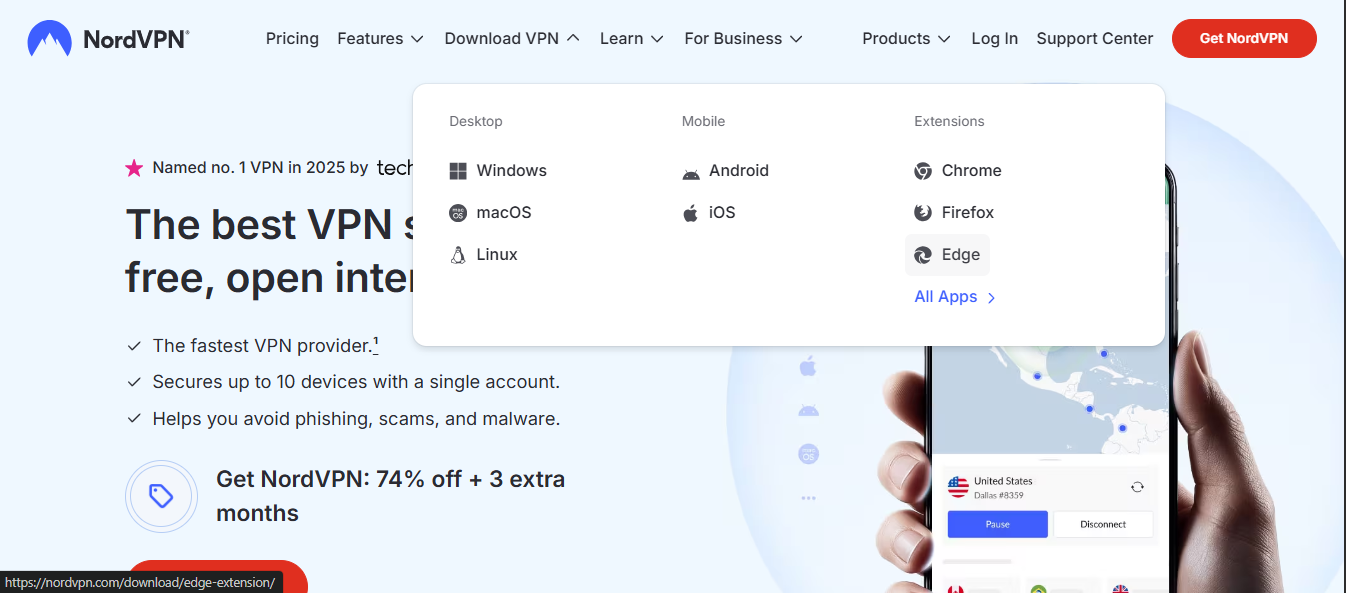
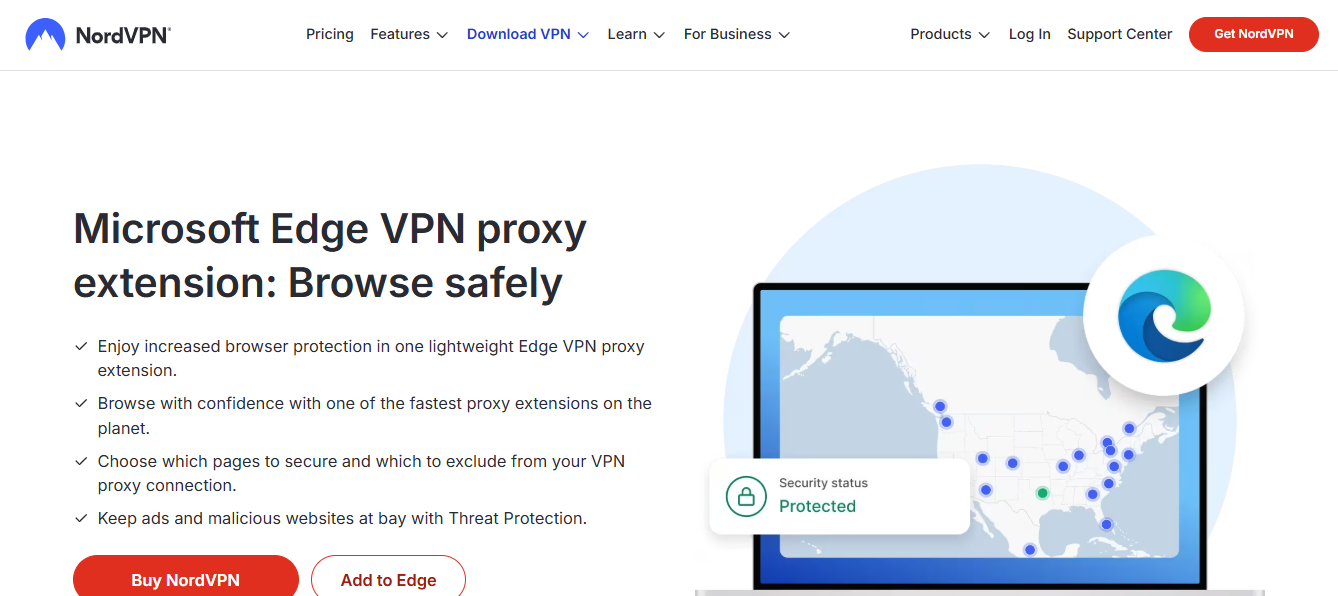
A free VPN for Edge extension can help route browser traffic through a VPN service and may hide your IP address from websites you visit. Options listed in the Microsoft Edge Add-ons store include VeePN, Browsec VPN, and Planet VPN. However, “free” does not tell you how a service handles your data or what protection it provides. Review the extension carefully before relying on it for sensitive browsing.
| VPN | Obfuscation | From / month | Plan | Free plan | Refund | Alipay | UnionPay | Crypto | Website opens in China | Trustpilot | |
|---|---|---|---|---|---|---|---|---|---|---|---|
 ZoogVPN | Turn on manually Shadow | $2.49/mo | 27 months: $59.99 | Yes | 7 days | ✓ | ✓ | ✓ | ✓ | Official site blocked; our special link opens (4.4 s) | 4.2/5 (195 reviews) |
 NordVPN | Turn on manually Obfuscated Servers / NordWhisper | $3.49/mo | 27 months: $94.23 | No | 30 days | ? | ✗ | ✓ | ✓ | ✗ Blocked | 4.2/5 (51,628 reviews) |
 ExpressVPN | ✓ On by default all servers | $3.00/mo | 28 months: $84 | No | 30 days | ✗ | ✗ | ✓ | ✗ | ✗ Blocked | 4.4/5 (29,706 reviews) |
 Surfshark | ✓ On by default Camouflage, with OpenVPN | See site | See site | No | 30 days | ✗ | ✗ | ✗ | ✓ | ✗ Blocked | 4.3/5 (31,823 reviews) |
 Proton VPN | Turn on manually Stealth, free plan too | $2.99/mo | 12 months: $35.88 | Yes | 30 days | ✗ | ✗ | ✗ | ✓ | ✗ Blocked | 2.1/5 (1,040 reviews) |
 Astrill VPN | Turn on manually StealthVPN / OpenWeb | $12.50/mo | 24 months: $300 | No | See site | ✗ | ✗ | ✗ | ✓ | ✗ Blocked | 1.3/5 (110 reviews) |
 Private Internet Access | Turn on manually Shadowsocks, OpenVPN only | $2.03/mo | 40 months: $81.2 | No | 30 days | ✗ | ✗ | ✗ | ✗ | ✗ Blocked | 4.2/5 (11,033 reviews) |
 CyberGhost | Turn on manually selected servers | $2.19/mo | 28 months: $61.32 | No | 45 days | ✗ | ✗ | ✗ | ✓ | ✗ Blocked | 4.0/5 (24,178 reviews) |
 PureVPN | Turn on manually switch to OpenVPN | $1.69/mo | 60 months: $101.55 | No | 31 days | ? | ? | ✗ | ✓ | ✗ Blocked | 4.4/5 (17,994 reviews) |
 AdGuard VPN | ✓ On by default TrustTunnel | $2.99/mo | 24 months: $71.76 | Yes | 30 days | ✓ | ✗ | ✓ | ✓ | Official site blocked; our special link opens (3.7 s) | 4.3/5 (290 reviews) |
 Mullvad | Turn on manually QUIC / Shadowsocks / LWO | $5.61/mo | €5/mo | No | 14 days | ✗ | ✗ | ✗ | ✓ | ✗ Blocked | 3.2/5 (192 reviews) |
 Windscribe | Turn on manually Stealth / WStunnel | $5.75/mo | 12 months: $69 | Yes | See site | ✗ | ✗ | ✗ | ✓ | ✗ Blocked | 4.7/5 (13,355 reviews) |
 StrongVPN | Turn on manually Scramble, OpenVPN TCP | See site | See site | No | 30 days | ✓ | ✗ | ✗ | ✗ | ✗ Blocked | 4.4/5 (2,695 reviews) |
 LightXtreme 闪连 | Not listed | $7.08/mo | 12 months: $84.99 | Yes | 30 days | ✓ | ✓ | ✓ | ✓ | ✓ Yes (3.5 s) | No page |
Prices checked 2026-11-10 on each vendor's pricing page (cheapest long plan, USD). Check the vendor's checkout for the final price.
Obfuscation checked 2026-11-14 on each vendor's site and help center: "on by default" = nothing to set; "turn on manually" = switch protocol or mode in settings; "not listed" = the vendor describes no obfuscation.
Payment methods checked 2026-11-10 on each vendor's payment pages: all 14 take cards and PayPal; ✗ = not listed, ? = the vendor's own pages disagree.
China access: whether the official website opens from mainland China networks (tests the website only, not the VPN connection). Last checked 2026-11-18 01:02 Beijing time.
Trustpilot score and review count checked 2026-11-10.
Free VPN extensions available for Edge
You can browse the Microsoft Edge Add-ons store for VPN extensions and install one directly in Edge. Search results include several providers, each with different features and terms.
| Extension | What its listing says |
|---|---|
| VeePN | Offers a free VPN extension for Edge and describes features for browsing, streaming, and accessing blocked websites. |
| Browsec VPN | Says it helps protect your IP and browse privately for free. |
| Planet VPN | Describes its Edge extension as lightweight and unlimited, with privacy protection. |
These are claims from provider listings, not independent guarantees. Features, availability, and terms may change, so check the current listing and the provider’s own privacy policy before installing.
Does Microsoft Edge include a free VPN?
Edge does not provide a general-purpose, built-in free VPN that automatically routes all your internet traffic through a VPN server. You can add a VPN extension from the Edge Add-ons store, or use a VPN app from a provider.
That difference matters. A browser extension may only cover traffic sent through Edge, while a VPN app may be designed to cover other apps on your device too. The precise coverage depends on how the product works and its settings. Read the provider’s explanation rather than assuming an extension protects your entire connection. free VPN edge extension(2026)
What to check before installing
A free extension can be convenient, but it requires trust: its software may handle browsing-related information, and its permissions affect what it can access.
Before you install, check:
- Privacy policy: Look for what information is collected, why it is collected, how long it is kept, and whether it is shared.
- Permissions: Make sure the requested access makes sense for the extension’s features.
- Provider identity: Confirm who operates the service and whether its website and support information are clear.
- Connection details: Check whether the service explains its locations, limitations, and how to connect or disconnect.
- Reviews and updates: Read recent store reviews and check whether the extension appears maintained.
- Free-plan terms: Confirm whether there are data limits, restricted locations, ads, or paid upgrades.
Do not treat phrases such as “no logs,” “unlimited,” or “secure” as proof by themselves. Look for specific, understandable explanations of what the provider does and does not collect.
Free VPN extensions versus VPN apps
The right choice depends on what you want to protect. A browser extension can be suitable when your goal is to route Edge browsing through a VPN service. A full VPN app may be more appropriate when you want coverage beyond the browser. VPN extension edge free(2026)
| Consideration | Edge VPN extension | VPN app |
|---|---|---|
| Typical coverage | Browser traffic, depending on the service | May cover traffic from multiple apps |
| Setup | Installed through Edge Add-ons | Installed on the device |
| Best suited for | VPN use while browsing in Edge | Broader device-level VPN use |
| What to verify | Extension permissions and privacy terms | App permissions, privacy terms, and connection settings |
Neither format is automatically more trustworthy. Evaluate the provider, the actual coverage, and the terms that apply to the version you plan to use.
Are free VPN extensions safe and truly free?
Some VPN extensions offer a free tier, but “free” can mean different things. A provider may limit features, display ads, or offer paid upgrades. Other services promote generous features, but you should still read their terms and privacy policy. Do not assume that an extension is safe just because it appears in an official add-ons store.
A VPN can also change which network provider sees your connection, but it does not make you anonymous or protect you from every online threat. Websites may still identify you through account logins, cookies, or other tracking methods. A VPN also does not replace careful browsing, strong passwords, or device security.
For sensitive tasks, take time to understand the provider’s privacy practices and test that the extension connects and disconnects as expected. Avoid entering confidential information through a connection you do not trust. nord VPN for pc(2026)
Recommendation
For a free VPN for Edge extension, start with the Microsoft Edge Add-ons store and compare options such as VeePN, Browsec VPN, and Planet VPN. Choose based on clear privacy terms, sensible permissions, and features that match your needs, not marketing claims alone. If you need VPN coverage for apps beyond Edge, look for a provider’s device-level VPN app and confirm its coverage before relying on it.