VPN extension edge(2026)
Find out what an Edge VPN extension does, how to choose one, and when a browser add-on may not be enough.
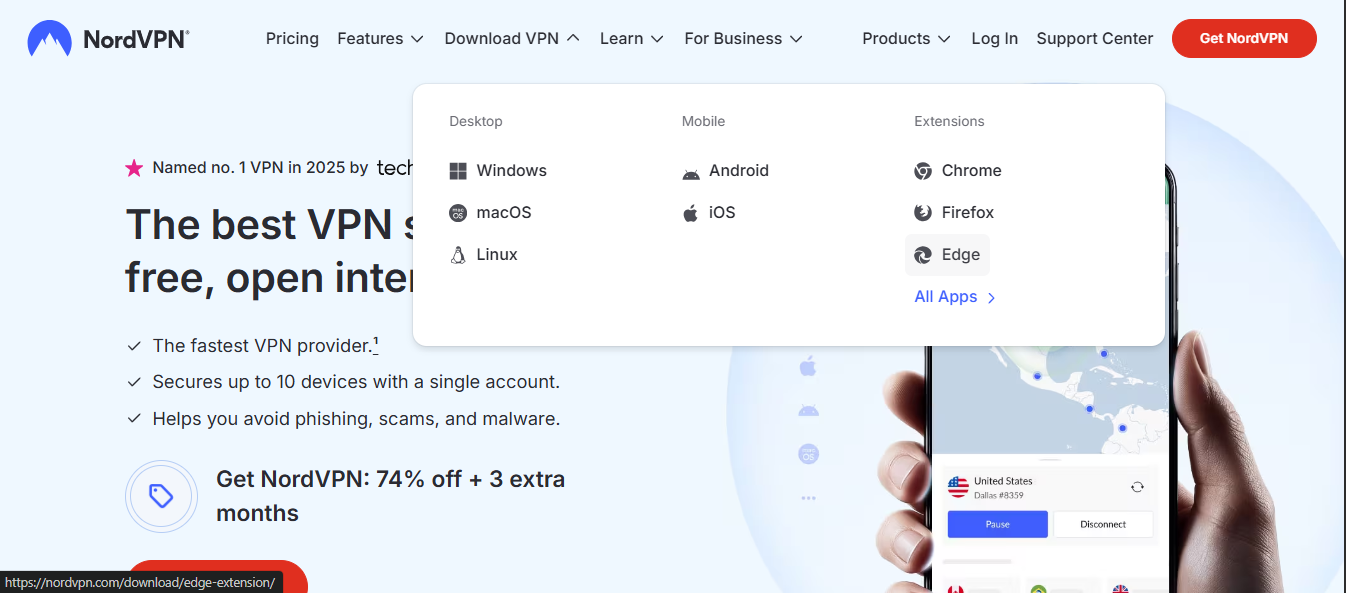
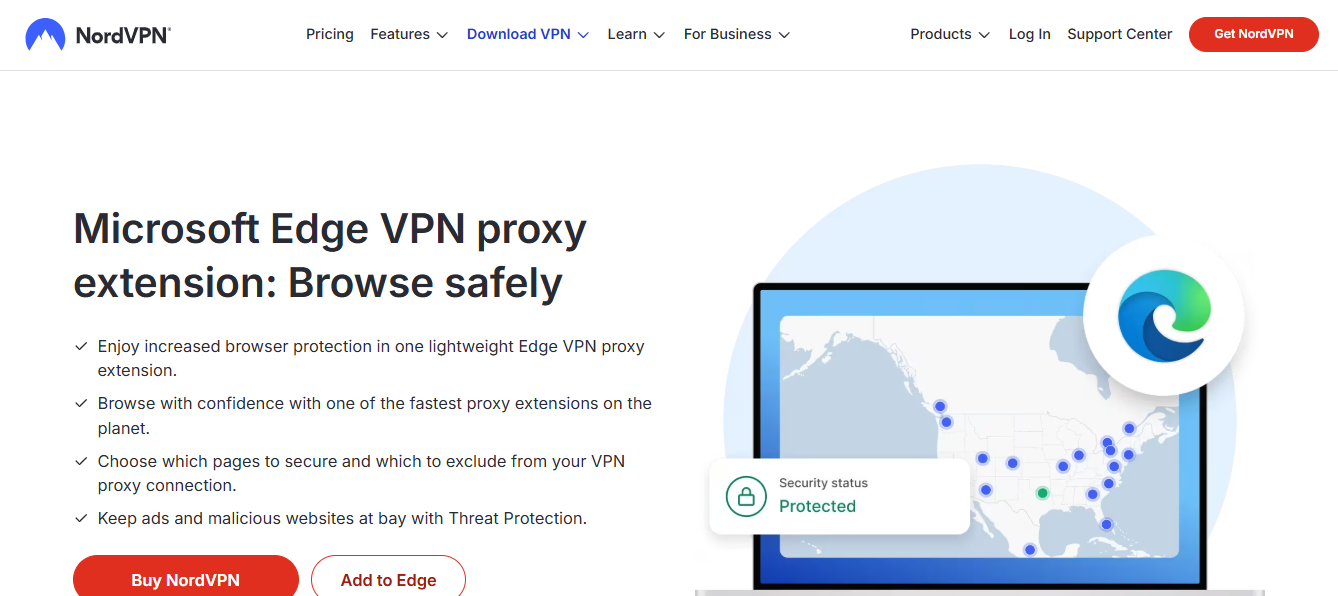
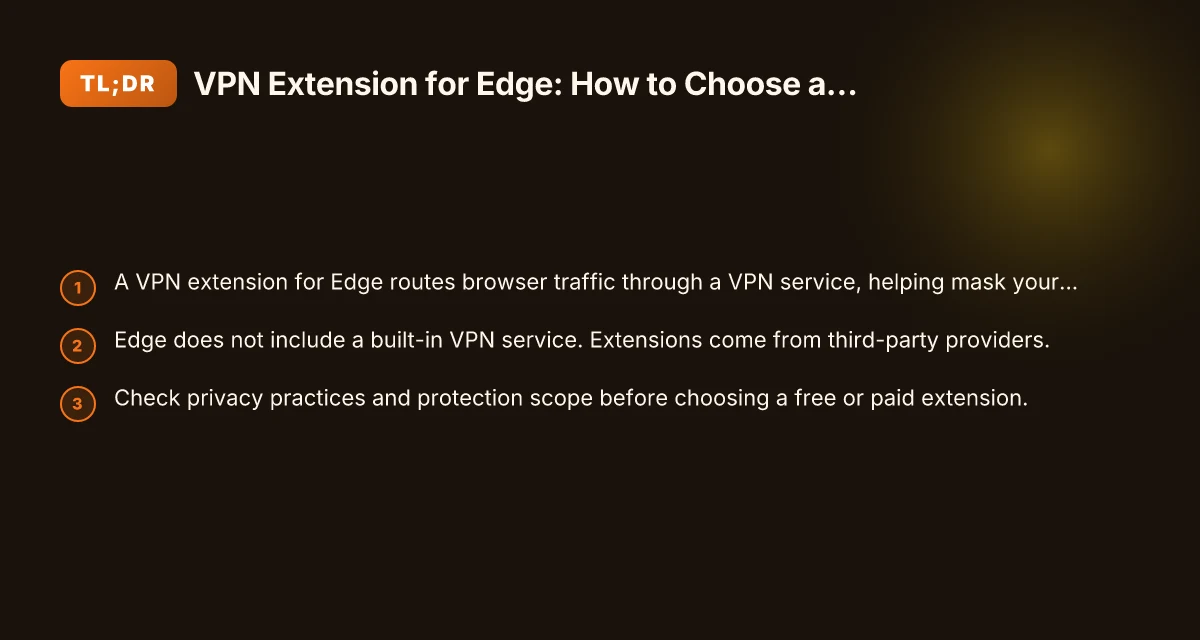
A VPN extension for Edge is a browser add-on that connects your Edge browsing to a VPN provider. It can help mask your IP address and make browser traffic more private, depending on the service and its settings. Edge does not provide its own built-in VPN, so you need a third-party extension or VPN app.
Options listed in Microsoft Edge Add-ons include VeePN and Browsec VPN. Other providers, including Surfshark, also offer Edge extensions. The right choice depends on what you need, how much of your device’s traffic you want protected, and whether the provider’s privacy claims are clear and trustworthy.
| VPN | Obfuscation | From / month | Plan | Free plan | Refund | Alipay | UnionPay | Crypto | Website opens in China | Trustpilot | |
|---|---|---|---|---|---|---|---|---|---|---|---|
 Surfshark | ✓ On by default Camouflage, with OpenVPN | See site | See site | No | 30 days | ✗ | ✗ | ✗ | ✓ | ✗ Blocked | 4.3/5 (31,823 reviews) |
 ZoogVPN | Turn on manually Shadow | $2.49/mo | 27 months: $59.99 | Yes | 7 days | ✓ | ✓ | ✓ | ✓ | Official site blocked; our special link opens (4.4 s) | 4.2/5 (195 reviews) |
 NordVPN | Turn on manually Obfuscated Servers / NordWhisper | $3.49/mo | 27 months: $94.23 | No | 30 days | ? | ✗ | ✓ | ✓ | ✗ Blocked | 4.2/5 (51,628 reviews) |
 ExpressVPN | ✓ On by default all servers | $3.00/mo | 28 months: $84 | No | 30 days | ✗ | ✗ | ✓ | ✗ | ✗ Blocked | 4.4/5 (29,706 reviews) |
 Proton VPN | Turn on manually Stealth, free plan too | $2.99/mo | 12 months: $35.88 | Yes | 30 days | ✗ | ✗ | ✗ | ✓ | ✗ Blocked | 2.1/5 (1,040 reviews) |
 Astrill VPN | Turn on manually StealthVPN / OpenWeb | $12.50/mo | 24 months: $300 | No | See site | ✗ | ✗ | ✗ | ✓ | ✗ Blocked | 1.3/5 (110 reviews) |
 Private Internet Access | Turn on manually Shadowsocks, OpenVPN only | $2.03/mo | 40 months: $81.2 | No | 30 days | ✗ | ✗ | ✗ | ✗ | ✗ Blocked | 4.2/5 (11,033 reviews) |
 CyberGhost | Turn on manually selected servers | $2.19/mo | 28 months: $61.32 | No | 45 days | ✗ | ✗ | ✗ | ✓ | ✗ Blocked | 4.0/5 (24,178 reviews) |
 PureVPN | Turn on manually switch to OpenVPN | $1.69/mo | 60 months: $101.55 | No | 31 days | ? | ? | ✗ | ✓ | ✗ Blocked | 4.4/5 (17,994 reviews) |
 AdGuard VPN | ✓ On by default TrustTunnel | $2.99/mo | 24 months: $71.76 | Yes | 30 days | ✓ | ✗ | ✓ | ✓ | Official site blocked; our special link opens (3.7 s) | 4.3/5 (290 reviews) |
 Mullvad | Turn on manually QUIC / Shadowsocks / LWO | $5.61/mo | €5/mo | No | 14 days | ✗ | ✗ | ✗ | ✓ | ✗ Blocked | 3.2/5 (192 reviews) |
 Windscribe | Turn on manually Stealth / WStunnel | $5.75/mo | 12 months: $69 | Yes | See site | ✗ | ✗ | ✗ | ✓ | ✗ Blocked | 4.7/5 (13,355 reviews) |
 StrongVPN | Turn on manually Scramble, OpenVPN TCP | See site | See site | No | 30 days | ✓ | ✗ | ✗ | ✗ | ✗ Blocked | 4.4/5 (2,695 reviews) |
 LightXtreme 闪连 | Not listed | $7.08/mo | 12 months: $84.99 | Yes | 30 days | ✓ | ✓ | ✓ | ✓ | ✓ Yes (3.5 s) | No page |
Prices checked 2026-11-10 on each vendor's pricing page (cheapest long plan, USD). Check the vendor's checkout for the final price.
Obfuscation checked 2026-11-14 on each vendor's site and help center: "on by default" = nothing to set; "turn on manually" = switch protocol or mode in settings; "not listed" = the vendor describes no obfuscation.
Payment methods checked 2026-11-10 on each vendor's payment pages: all 14 take cards and PayPal; ✗ = not listed, ? = the vendor's own pages disagree.
China access: whether the official website opens from mainland China networks (tests the website only, not the VPN connection). Last checked 2026-11-18 01:02 Beijing time.
Trustpilot score and review count checked 2026-11-10.
How VPN extension approaches differ
| Option | Routes browser traffic | Protects other apps | Encryption | Best for |
|---|---|---|---|---|
| Edge’s built-in VPN | No VPN service is built in | No | Not applicable | Users who want to know what Edge provides by default |
| Browser proxy extension | Usually browser traffic only | No | Depends on the provider and connection | Changing the apparent browser location |
| VPN provider’s Edge extension | Usually browser traffic only | No, unless paired with its desktop app | Depends on the provider | Controlling a VPN from Edge |
| VPN desktop app | Device traffic, depending on settings | Yes, typically | Depends on the provider | Protecting more than browser traffic |
| Extension paired with desktop app | Browser controls; app may route device traffic | Yes, through the app | Depends on the provider | Browser convenience with wider device coverage |
| No VPN or proxy | No | No | Not applicable | Browsing without location masking |
Compiled November 2026; check the provider's site for current details.
What a VPN extension for Edge does
A VPN extension adds controls to the browser toolbar. After you sign in or connect, it may route traffic from Edge through a VPN server. Websites then see the server’s IP address rather than your usual one, and your apparent location may change.
Common reasons to use one include:
- Reducing exposure of your real IP address while browsing.
- Using a different virtual location, where the provider supports it.
- Adding a layer of privacy when using websites on public networks.
- Managing a VPN connection from the Edge toolbar.
An extension is not automatically the same as a full VPN app. Depending on how it works, it may protect only browser traffic, while other apps on your computer use your normal connection. Read the provider’s description to understand what is covered.
Does Edge have a built-in VPN?
No. Microsoft Edge does not include a built-in VPN service. You can install a VPN extension from the Microsoft Edge Add-ons store or use a VPN provider’s application, if available for your device. oVPN file(2026)
A browser extension may be convenient if you mainly want to change how Edge connects. A full VPN app is generally the more relevant option if you want to route traffic from multiple applications through a VPN. Check the provider’s documentation rather than assuming an extension protects the entire device.
Comparing VPN extension options
Several services appear in the search results for Edge VPN extensions. Their descriptions make different claims, so compare what each one offers and verify the details in the listing before installing.
| Option | What the listing or provider says | What to check |
|---|---|---|
| VeePN | Its Edge Add-ons listing promotes a fast, secure service with unlimited traffic and bandwidth. Its website describes a free Edge add-on. | Confirm current features, data handling, and whether the extension meets your needs. |
| Browsec VPN | Its Edge Add-ons listing describes private browsing and IP protection. | Review its privacy policy, connection options, and extension permissions. |
| Surfshark | Its website offers a VPN extension for Microsoft Edge and mentions ad blocking, encryption, and changing virtual location. | Check which features are included and whether they require a subscription. |
These descriptions are provider claims, not a guarantee that an extension will suit every user or protect every type of activity. Features and terms can change, so consult the current Microsoft Edge Add-ons listing or provider website before making a decision.
How to choose a safe extension
A VPN handles sensitive connection information, so do not choose based on a “free” label or a bold privacy promise alone. Review the extension’s listing and the provider’s own information before installing. .oVPN file(2026)
Look for:
- A clear privacy policy: Find out what connection or browsing data may be collected, how it is used, and whether it is shared.
- A reputable source: Prefer the Microsoft Edge Add-ons store or the provider’s official website.
- Understandable permissions: Consider whether the requested access makes sense for the extension’s stated features.
- Transparent limitations: Check whether the extension protects browser traffic only, and whether data, locations, or features are limited.
- Useful security controls: If features such as a kill switch or tracker blocking matter to you, confirm that they are included and understand how they work.
- Recent maintenance: Check the listing for current information and signs that the extension is actively supported.
Be especially cautious with claims such as “no logs,” “unlimited,” or “completely secure.” Such wording does not replace a readable privacy policy or independent judgment. A VPN can improve privacy, but it does not make you anonymous or prevent every online threat.
Safe-extension checklist
| Check | What to look for | Warning sign | Why it matters |
|---|---|---|---|
| Publisher | A recognizable VPN provider | Unclear or imitation publisher | Helps verify who operates the service |
| Privacy policy | Clear data collection and retention details | Vague or missing policy | Shows how browsing data may be handled |
| Permissions | Only permissions relevant to the features | Broad access without an explanation | Limits unnecessary access to browser data |
| Business model | Transparent pricing and free-plan limits | Unclear funding or unexpected charges | Helps assess how the service is supported |
| Security details | Clear explanation of connection protection | Unsupported security claims | Makes protection easier to evaluate |
| Independent reviews | Recent, credible assessments | Only unverifiable testimonials | Offers evidence beyond the listing |
| Updates and support | Recent updates and reachable support | No updates or contact information | Suggests the extension is maintained |
| Store listing | Matching product name and official links | Inconsistent branding or links | Reduces the risk of installing an impostor |
Compiled November 2026; check the provider's site for current details. enable VPN in edge(2026)
How to install and use a VPN extension in Edge
The exact steps vary by provider, but the general process is straightforward:
- Open the Microsoft Edge Add-ons store.
- Search for the provider or extension you have chosen.
- Review its publisher, description, permissions, and privacy information.
- Select the option to add the extension to Edge.
- Open the extension from the toolbar and follow the provider’s instructions to connect.
- Choose a server or location if that option is available.
After connecting, check the provider’s status indicator and settings. If you use a VPN for a particular website or task, verify that the extension is active before you begin. Also review whether it disconnects when Edge closes or whether you need to reconnect manually.
Common questions about Edge VPN extensions
What is the best free VPN extension for Edge?
There is no single best option for everyone. VeePN and Browsec VPN are among the extensions listed for Edge in the search results, but features and terms may differ. Compare their current privacy policies, permissions, limitations, and support before installing. A free extension is not necessarily the best choice if its data practices are unclear.
Is an Edge VPN extension safe?
It can be useful, but safety depends on the provider and how the extension handles your data. Install from a trusted source, inspect permissions, and read the privacy policy. A VPN extension does not block every scam, malware infection, or tracking method, and it cannot guarantee anonymity. does microsoft edge have VPN(2026)
Is there a VPN browser extension?
Yes. VPN browser extensions are available for Microsoft Edge, including options in the Microsoft Edge Add-ons store. Some VPN providers also offer extensions through their own websites. Make sure you are downloading the official product.
Choosing a setup for your needs
| Need | Suitable option | Coverage | Trade-off | Before you choose |
|---|---|---|---|---|
| Change location for browser use | VPN extension | Browser traffic, usually | Other apps may remain outside the tunnel | Confirm which traffic the extension routes |
| Protect traffic from multiple apps | VPN desktop app | Device traffic, depending on settings | Requires installing and configuring an app | Check platform support and app settings |
| Control a VPN in Edge | Provider’s Edge extension | Browser controls; coverage varies | May rely on a desktop app | Check whether the extension works alone |
| Use a free option | Extension with a free plan | Depends on the provider | Limits or data practices may apply | Read the plan terms and privacy policy |
| Avoid unnecessary browser access | Extension with limited permissions | Only what its features require | Some features may be unavailable | Review permissions before installation |
| Install from a trusted source | Official Edge add-on listing or provider link | Depends on the product | Store presence alone does not prove safety | Verify the publisher and product name |
| Protect public Wi-Fi browsing | Reputable VPN extension or desktop app | Browser or device, depending on setup | Coverage may differ by option | Confirm protection is active before browsing |
| Use VPN protection across the device | VPN desktop app | Device traffic, depending on settings | More setup than an extension | Check for app-level exclusions or split tunneling |
Compiled November 2026; check the provider's site for current details.
Recommendation
Choose a VPN extension for Edge only after checking its privacy policy, permissions, and protection scope. VeePN and Browsec VPN are options to compare in the Edge Add-ons store, while Surfshark provides an Edge extension through its website. If you need protection for traffic beyond Edge, consider a full VPN app rather than relying on a browser add-on alone. nord VPN in china(2026)